Set limits
Configure caps in tokens or cost and see an overrun coming through the month's projection.
A limit is set in tokens, in cost or both. When there are both, whichever is reached first blocks.
You need the Superadmin or Admin role. An Auditor sees the numbers, but can't save.
Configure
Under Limits and monthly usage, fill in Tokens, Cost (USD) or both, and click Save limits. The Remove button undoes the cap.
The walkthrough below sets the cap for the whole organization, under Organization › Quotas:
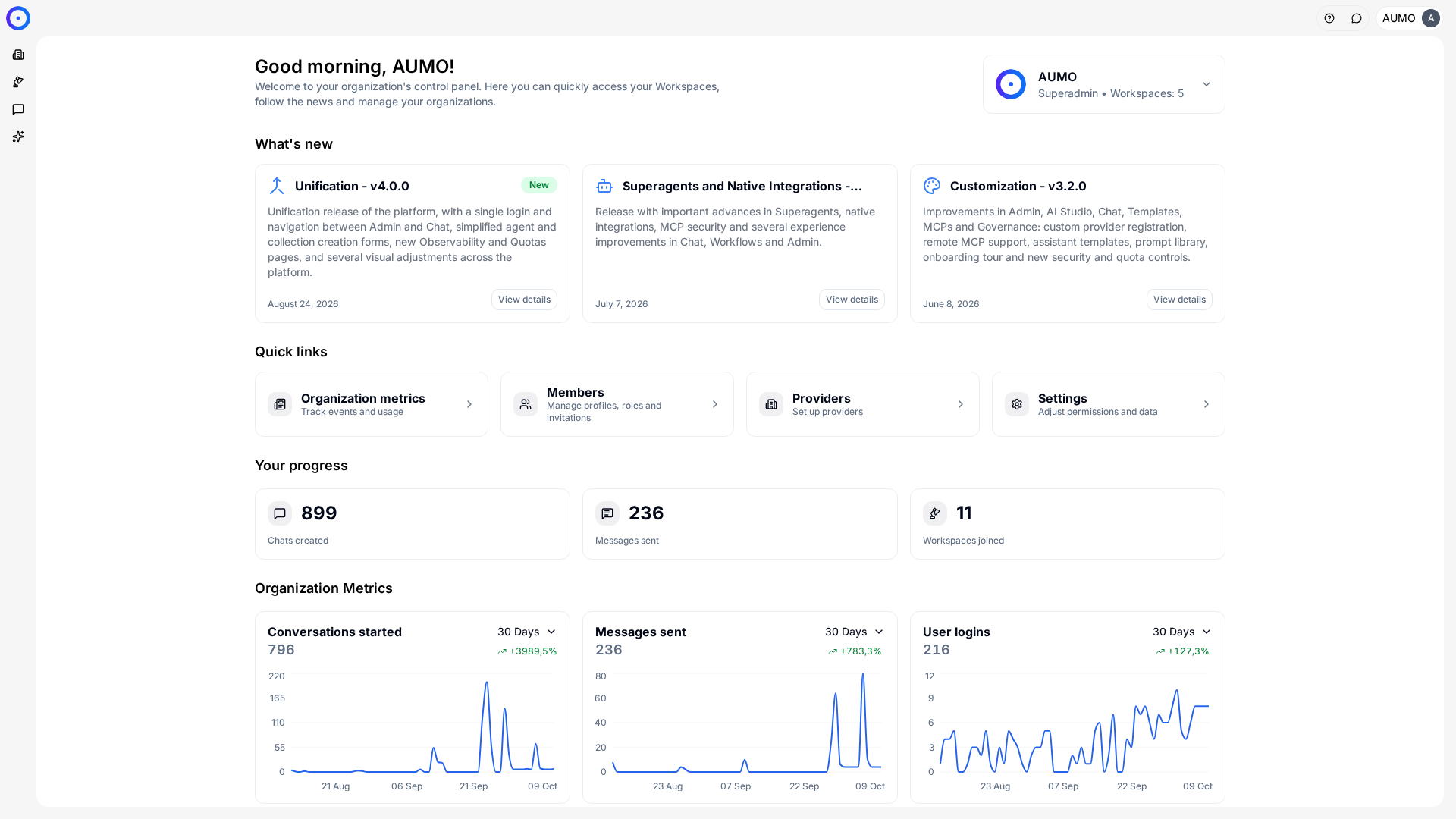
In the narrow bar on the left, click Organization.
Two conventions that are easy to mix up:
- A blank field means no limit.
- A limit of zero blocks every request in that scope.
Below the form, Tokens used and Cost used show the month's actual consumption. That number, not an estimate, is what the block uses.
Read the month's projection
The Month projection chart extends recent daily consumption to the end of the current month, by linear regression. The panel beside it shows four numbers:
| Indicator | What it answers |
|---|---|
Consumed this month | How much has been spent so far. |
Forecast at close | Where the month ends, at the current pace. |
Limit overrun | When the cap would be reached, if it is reached. |
Projected pace | Average consumption per day over the recent window. |
It is the most useful signal mid-month: it tells you whether the current pace will exceed the cap before the month turns, while there is still time to act.
The projection is a straight line over recent consumption. It knows nothing about seasonality, or about the Agent you published yesterday. Treat it as a warning, not a forecast.
Choose a starting value
A predictable path, when there is no history:
- Leave the scope without a limit for one cycle and follow actual consumption in Observability.
- Set the cap with headroom over the observed peak, not over the average.
- Adjust at the turn of the following month, now with two points of comparison.
Starting too tight causes blocks on the first day of heavy use, and the fix ends up becoming a permanently high policy.
Next steps
- Unblock a one-off case without touching the policy in Temporary grants.
- See detailed per-model consumption in Observability.