Create a collection
The new collection form, the initial files and the connectors.
The New Collection form is short on purpose: name, description and the initial sources. Everything else is adjusted later, on the created Collection.
You need the Owner, Curator or Editor role.
Step by step
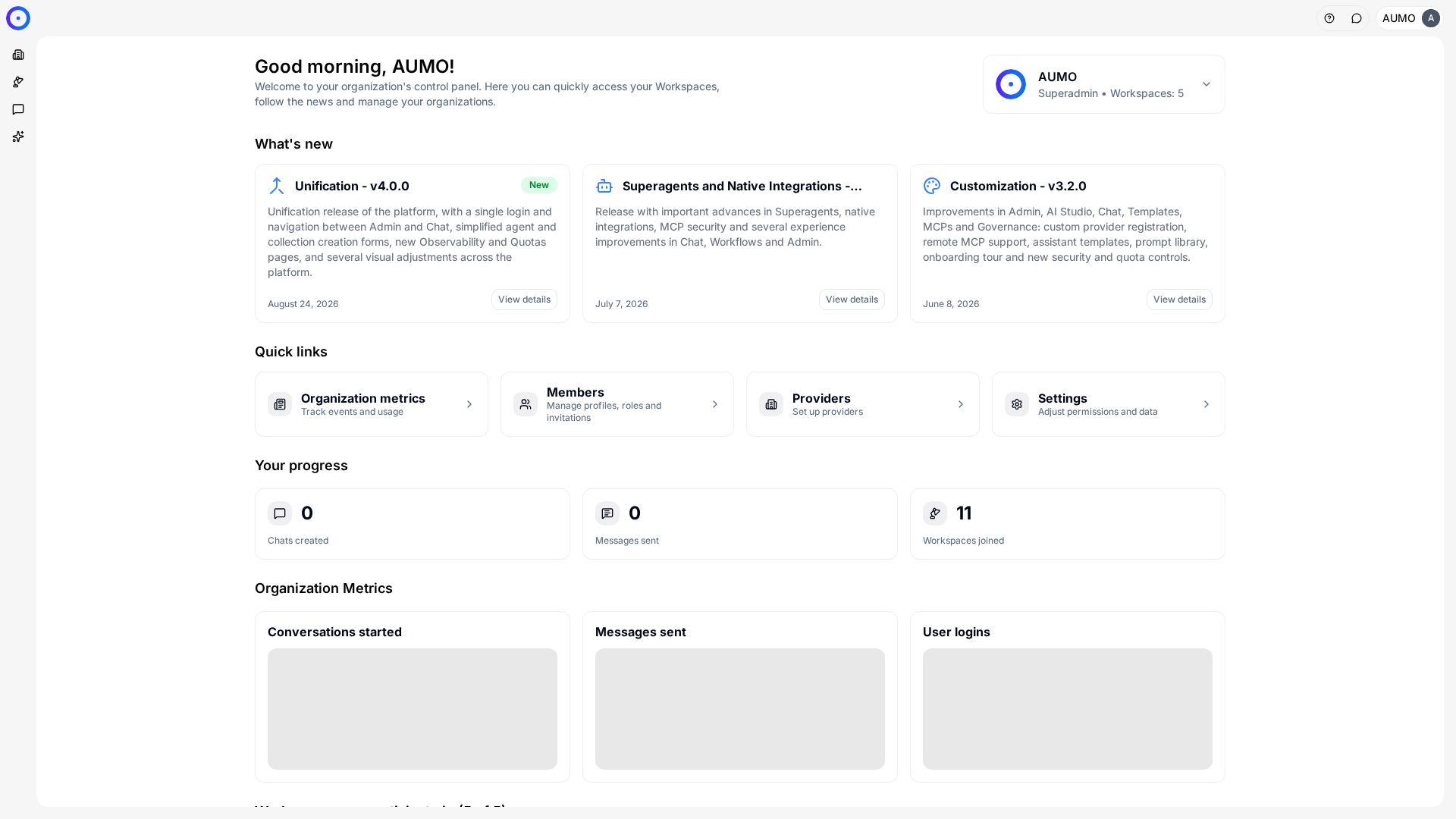
In the narrow bar on the left, click Workspace.
Open the form
Under Workspace › Collections, click + Collection.
Name the collection
The Name is required. It is what shows up in the list and when attaching the Collection to an Agent, so describe the subject, not where the files came from.
The Description is optional and doesn't affect search. It exists so someone else understands what's inside six months from now.
Add files
Open Add files and select the documents. The counter next to the section shows how many are ready to upload.
This step is optional. A Collection can start empty and receive files later.
Add connectors
Open Add connectors if you want the Collection to fetch content from an external source, instead of relying on manual uploads.
Create
Click Create. The Collection opens on the Files tab, with document processing under way.
Creating the Collection doesn't make it usable right away. Documents go through extraction and indexing, and only answer once they reach the Extracted state.
Choosing the scope
The question that decides how many Collections to create is who will look up what.
One Collection per subject, with different Agents looking up the ones relevant to each, usually works better than a single Collection with everything inside. Search gets more precise and it becomes easier to take one set out of circulation without affecting the rest.
Next steps
- Follow the processing in Indexing.
- Attach the Collection to whoever answers in Create an agent.