SuperAgents
Register external agents by URL and make them available to the organization's workspaces.
A SuperAgent is an agent that already exists outside AUMO. The organization registers the service's address, and the platform then offers it to workspaces as if it were one of its own Agents.
It has no prompt, model or collections for you to configure: all of that belongs to whoever runs the service on the other side.
When to use one
A SuperAgent fits when the agent has already been built elsewhere and you just want to make it available inside the platform: customer service running on another system, specialized research, a sales automation.
If the agent is still to be built, the path is to create an Agent inside a workspace.
Register it in the organization
Under Organization › SuperAgents, available to Superadmin and Admin:
- Click + SuperAgent.
- Enter the SuperAgent name, as it will show to people.
- Enter the Endpoint URL and the Access key.
- Click Validate access.
The registration screen is built for SuperAgents contracted from Aumo: Aumo sends the URL and access key once the SuperAgent is contracted, and the side panel shows how to get in touch with Aumo.
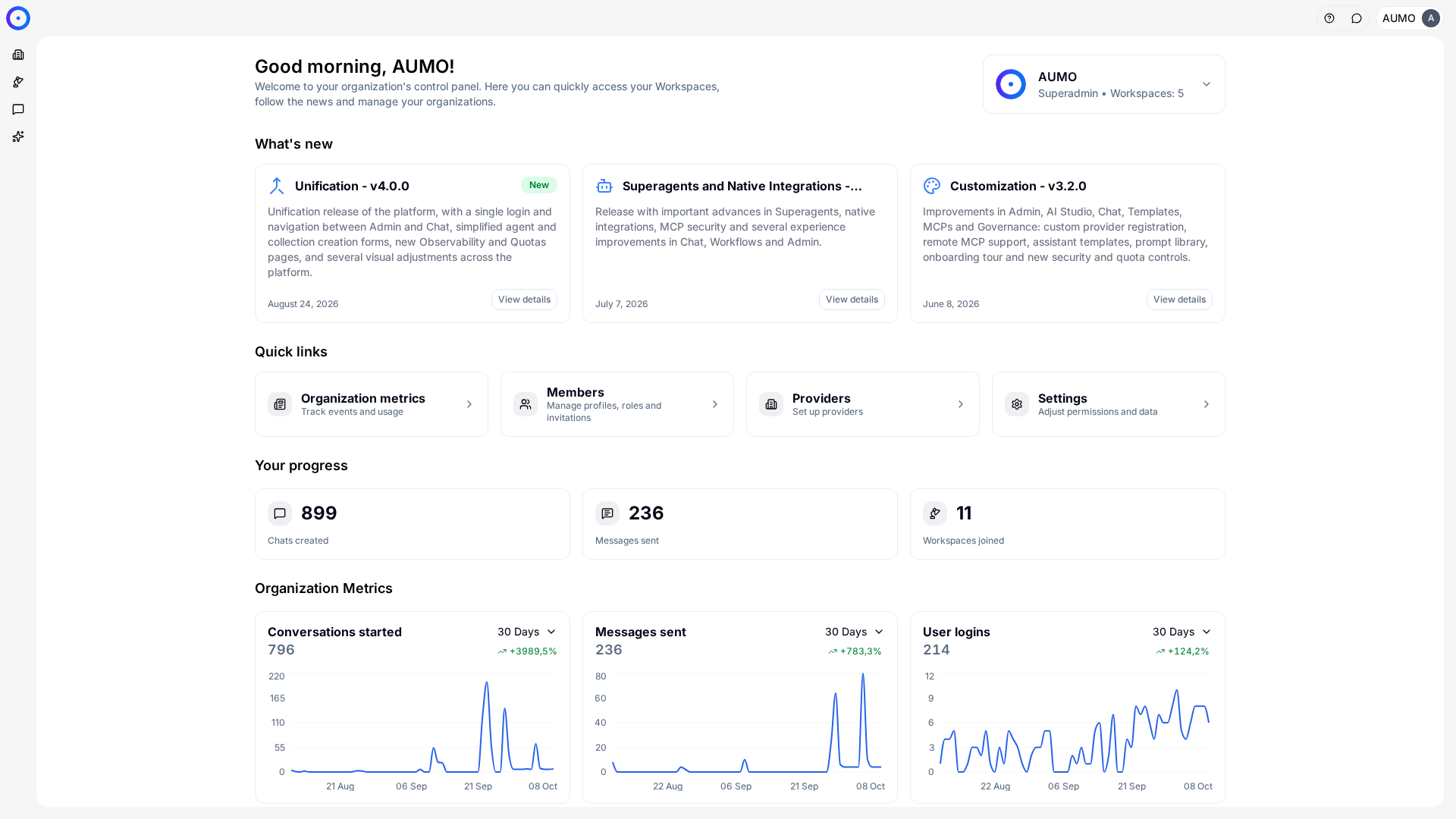
In the narrow bar on the left, click Organization.
The platform registers the URL as the endpoint and sets responses as the supported API. The service on the other side has to respond following the Responses API contract.
Make it available to a workspace
Once created, the SuperAgent goes into the organization's catalog and doesn't show up in any workspace yet.
You make it available under Organization › Workspaces: open the desired workspace and use the SuperAgents section to associate the ones that team can use.
In the workspace
Workspace › SuperAgents lists what the organization made available to that team. There is nothing to create there, because the screen only shows what is available.
An empty list means no SuperAgent was registered in the organization, or this workspace wasn't associated with any. In both cases, the way forward is to talk to someone with the Admin or Superadmin role.
In Chat
Agents and SuperAgents show up in the same selector, with name and description, with no visual distinction.
The distinction matters when something goes wrong. An Agent with a bad answer is adjusted in the prompt or the Collections. A SuperAgent with a bad answer requires talking to whoever maintains the external service.
Maintenance
Editing a SuperAgent changes its name and endpoint. Changing the URL redirects all future conversations to the new address, in every workspace it is associated with.
Removing a SuperAgent takes it out of the catalog and the associations. Old conversations stay in the history, but you can't keep chatting.
Consumption
A SuperAgent's consumption shows up in the workspace's Observability like any other call, but the model behind it is decided on the external side.
This means per-provider Quotas may not capture that consumption the same way they capture a regular Agent's.
Next steps
- Understand the conceptual difference in Agents and SuperAgents.
- See what else the organization distributes to teams in Workspaces.