Temporary grants
Unblock a blocked scope for a set period, without changing the quota policy.
A temporary grant adds headroom to a scope for a period, with a recorded reason, and expires on its own.
It exists for the case where someone went over quota and needs to keep going today. Raising the policy would also work, but the policy has no end date and rarely comes back down.
How it works
- The granted amount adds to the current cap, rather than replacing it.
- The grant applies until the expiration date you set.
- There is no rollback routine: the platform simply stops counting expired grants.
- When it expires, the scope goes back to the policy cap and blocks again if the month's consumption has already passed it.
Create a grant
In the scope's Temporary grants section, click + New grant. In the New temporary grant window, enter Extra tokens, Extra cost (USD) or both, the period under Expires at, with shortcuts for 24 hours, 7 days and End of month, and the Reason. Click Grant.
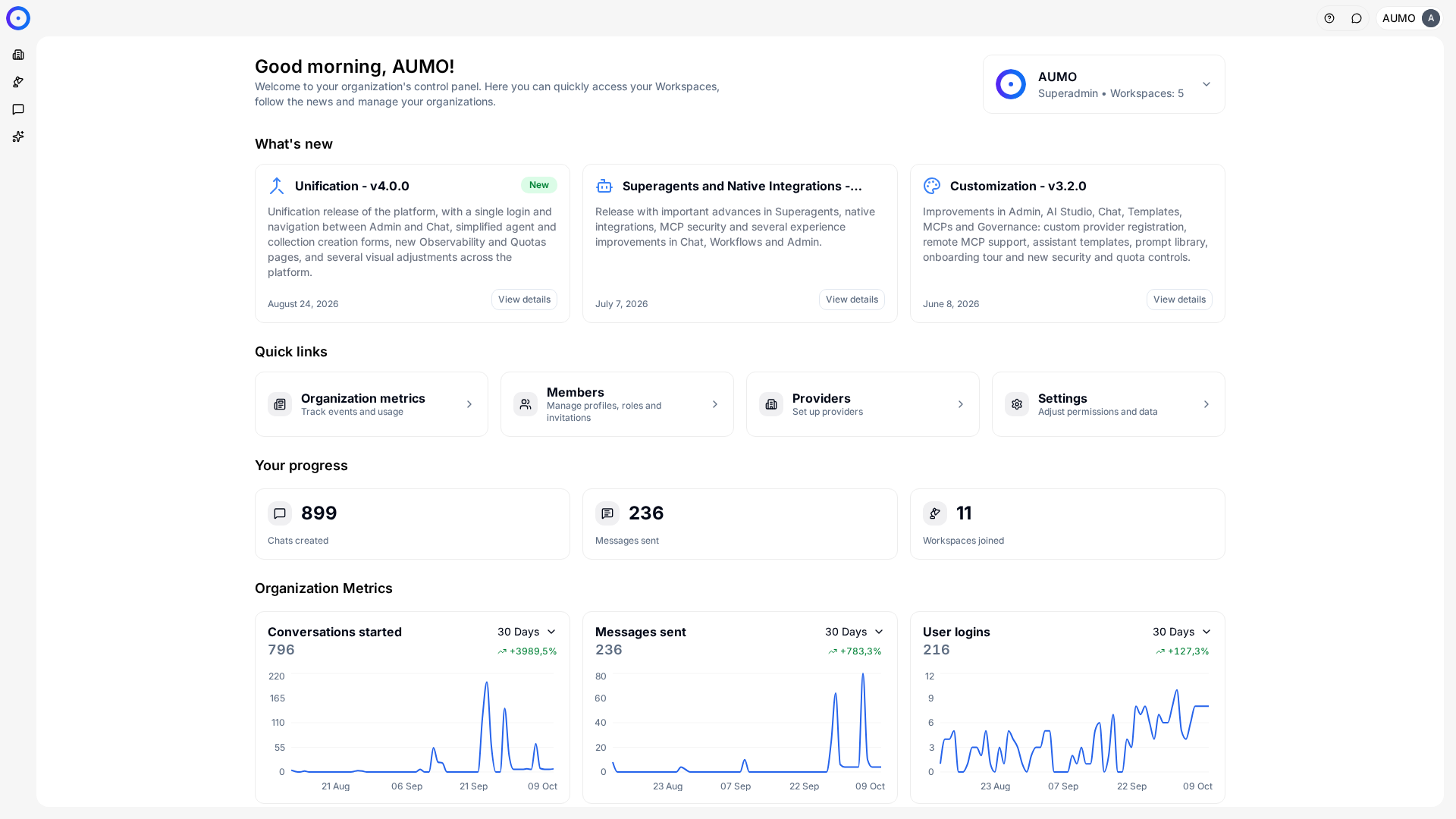
In the narrow bar on the left, click Organization.
The reason isn't red tape: since the grant disappears on its own, it is the only record of why that scope went over its cap that month.
A grant takes up to about 30 seconds to take effect, because consumption is read from a cache. Whoever is blocked needs to try again after that interval, not right away.
Revoke before it expires
The grant's action menu lets you revoke it. The extra headroom stops applying within the same interval of about 30 seconds.
If the month's consumption has already passed the policy limit, the scope blocks again right after the revocation.
When to use each
- Temporary grant: a one-off spike, an end-of-quarter demand, a test that went over. Normal comes back on its own.
- Change the policy: consumption has moved to a new level for good, and the old cap no longer reflects real usage.
Repeated grants on the same scope, month after month, are the sign that the policy itself is wrong.
Next steps
- Adjust the policy in Set limits.
- Confirm the consumption that prompted the grant in Observability.