Register a provider
Connect an AI model service account to the organization.
Registering a provider is what gives the platform the right to call that AI service. It is the first link in the chain that ends with an Agent answering in Chat.
You need the Superadmin role and the service's access credential at hand.
Step by step
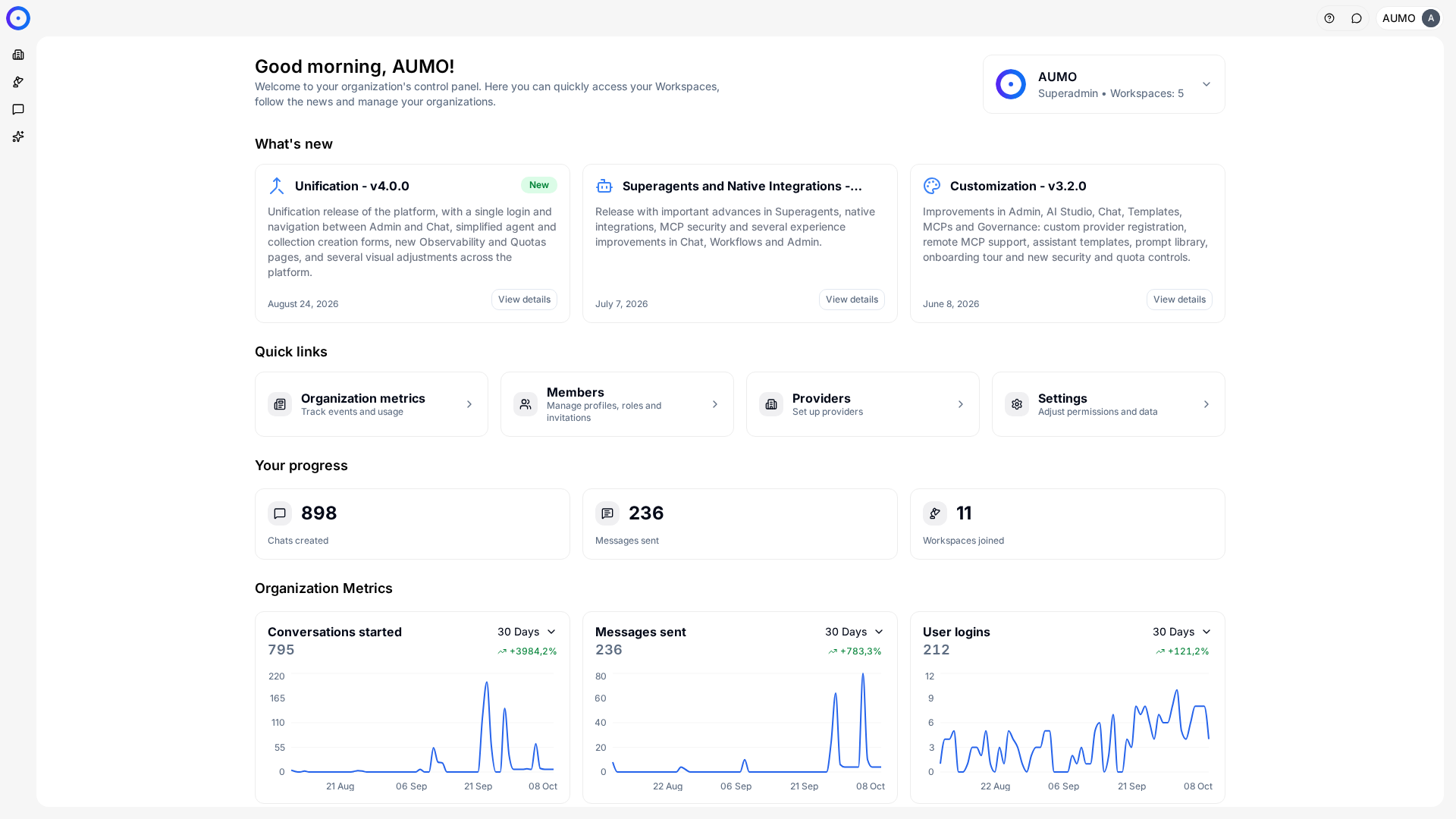
In the narrow bar on the left, click Organization.
Open the form
Under Organization › Providers, click + Provider.
Choose the service
Select the provider from the list of supported services. The choice determines which credential fields the form asks for next.
Enter the credential
The fields depend on the service. For most of them, like Anthropic, the API Key is all it takes, and the provider shows up in the list under the service's name.
Custom Provider is the exception: besides the API Key, it asks for the Provider name, Base URL and Supported APIs.
The credential is the access secret for the service. Once saved, the value isn't shown back.
Create
Optionally, open Available models to check the models that come with the provider, with each one's context window, cost and capabilities. Click Create.
The provider goes into the organization's catalog and you go back to the Providers list.
After registering
The provider doesn't reach anyone yet. Two steps remain, on different screens:
- Under Organization › Workspaces, open each workspace and use Manage models to assign that provider's models.
- Under Workspace › Settings › Models, confirm that the models show up for whoever creates Agents.
Forgetting step 1 is the most common mistake. The workspace is left without a model, the Agent creation form won't save, and the message on screen doesn't mention that the cause is in workspace management.
Unknown models
If the model you want to use isn't in the platform's catalog, you register it by manually entering the four fields that determine behavior and cost.
They are described in Model metadata.
Next steps
- Distribute the models to teams in Workspaces.
- Cap how much each provider can consume in Quotas.