How to Create a Credential
This guide explains step by step how to create a new credential on the Aumo platform.
Overview
Creating a credential is a two-step process:
- Type Selection: Choose the type of credential you want to set up
- Credential Details: Configure the necessary information for the selected type
Step-by-step walkthrough
Follow the full flow — from the home panel all the way to the credential in the list:

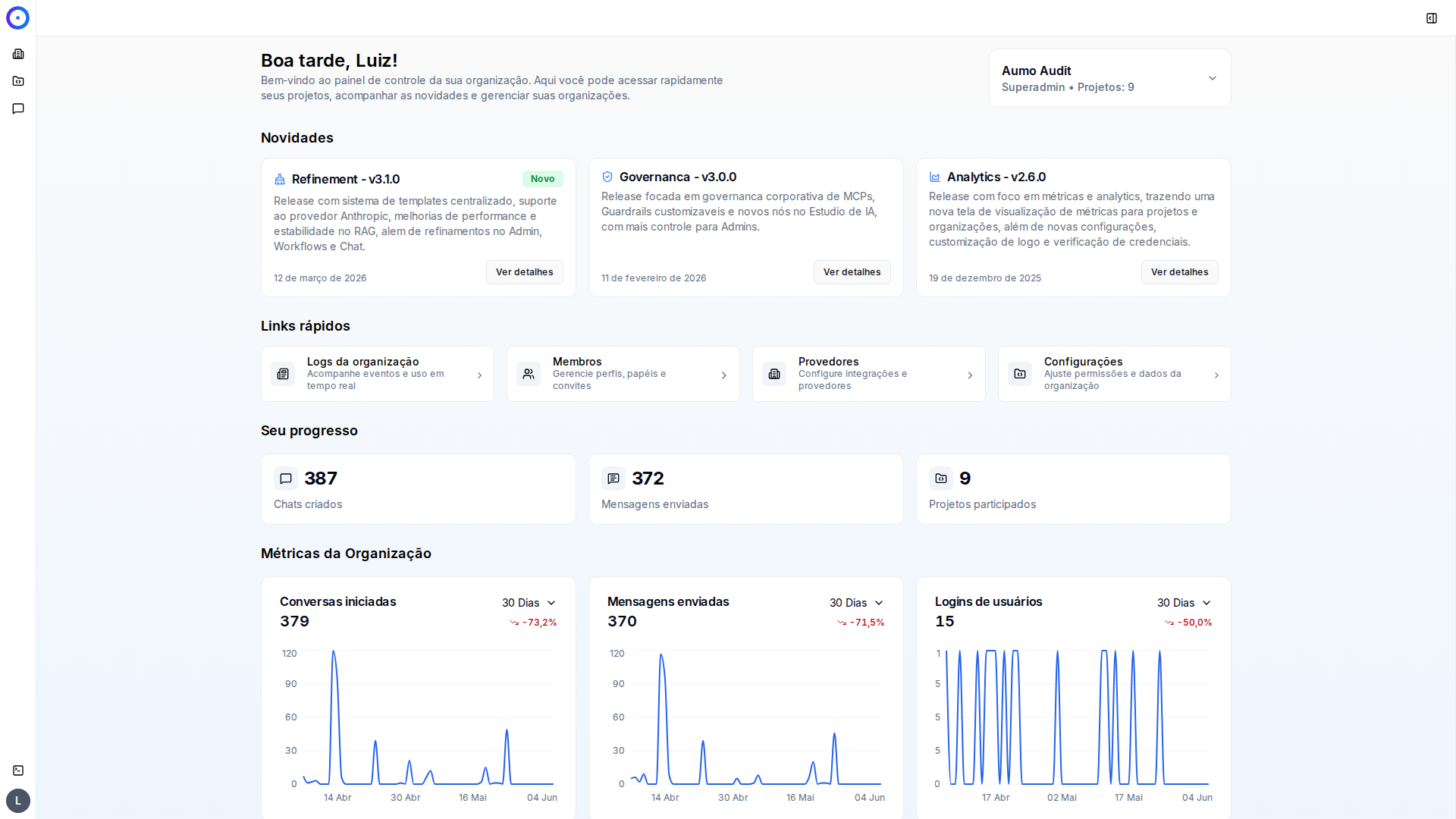
Step 1 / 8Start on the home panel
You start on your organization home panel. In the left menu, click the Organization icon to enter the administration area.
Next Steps
After creating the credential, you will be able to:
- View the credential in the credentials list
- Edit the credential settings
- Use the credential in other platform resources
- Manage access and related permissions
Tips
- Make sure you have all necessary information before you start
- Review the specific requirements for the chosen credential type
- Keep your credentials secure and do not share sensitive information
- Some types of credentials may have specific format or validation requirements