Chat Platform
The Chat Platform is Aumo's conversation interface, where you can interact with AI assistants and access the knowledge indexed in your organization.
Overview
The Chat Platform allows you to:
- Talk to Assistants: Interact with AI assistants configured in your organization
- Access Knowledge: Ask questions based on indexed documents and knowledge sources
- Manage Conversations: View and manage your conversation history
- Upload Files: Attach files for analysis and processing
- Work with Multiple Projects: Organize your conversations by project and context
Key Features
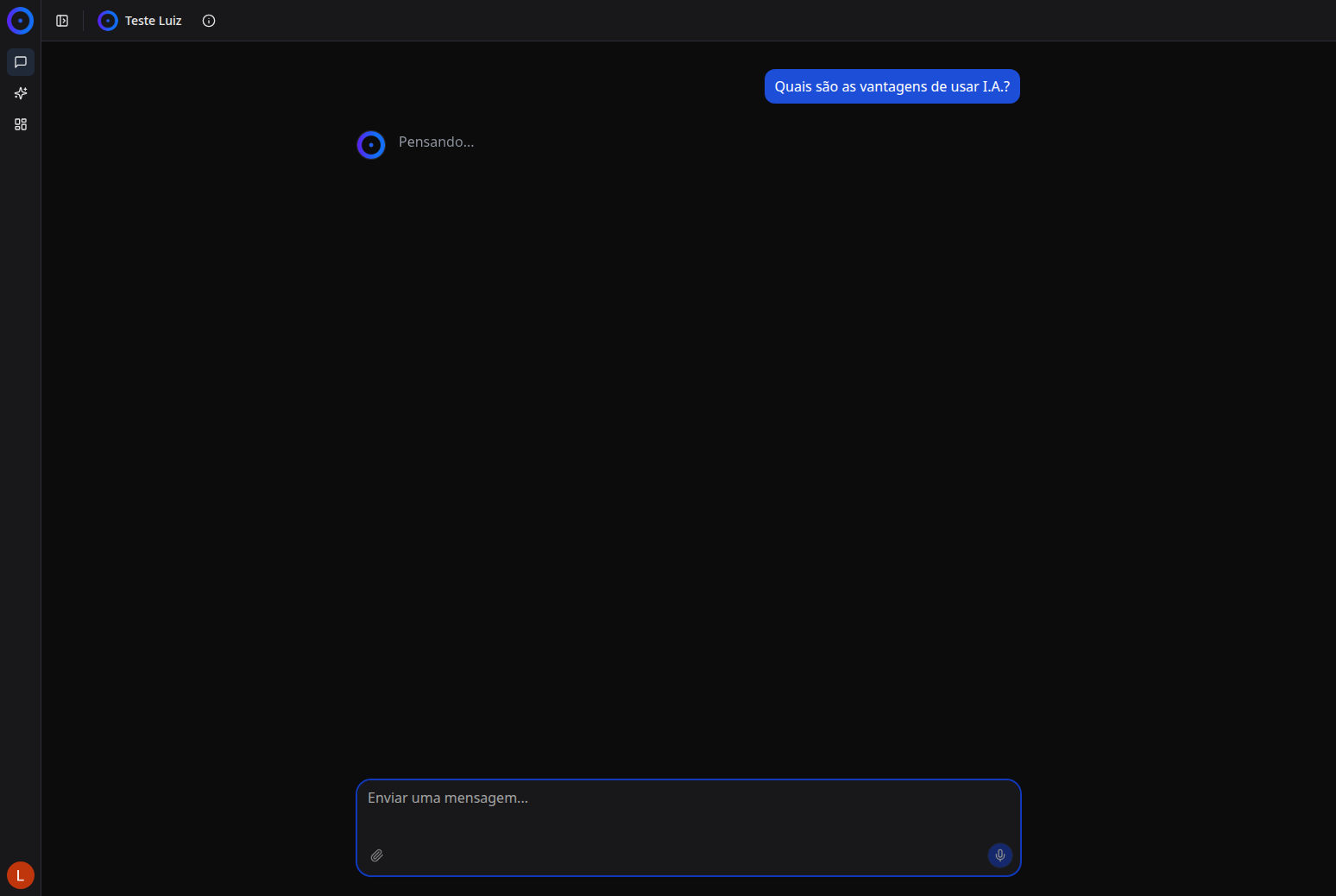
Chat Interface
An intuitive and modern interface for chatting with AI assistants in real time. The interface is responsive and user-friendly, with smart question suggestions to help you get started.
Project and Organization Selection
Each project can have different assistants and knowledge sources. You can switch between projects and organizations as needed.
Conversation History
Access previous conversations, continue existing ones, or start new conversations. The history is organized and searchable.
Smart Suggestions
The platform offers question suggestions based on the project context, presented in interactive cards that you can click directly.
File Upload
Send files for analysis and processing by the assistant, expanding the capabilities of the conversation.
How to Use
Starting a Conversation
- Access the platform at
https://chat.dev.unia.aumo.live/ - Log in (if necessary)
- Click on a question suggestion or type your own message
- Press Enter or click send
Navigating the History
- Use the left sidebar to view all your conversations
- Use the search field to find specific conversations
- Click on a conversation to continue it
Next Steps
- Start a Conversation - Learn how to start using the chat
- Chat Features - Explore all available tools
- Conversation History - Manage your conversations
- Advanced Features - Learn about advanced functionalities