How to Start a Conversation
This section explains how to begin using the Aumo Chat Platform.
Accessing the Platform
- Go to the chat platform URL:
https://chat.dev.unia.aumo.live/ - Log in with your credentials (if necessary)
- You will be directed to the main chat interface
Main Interface
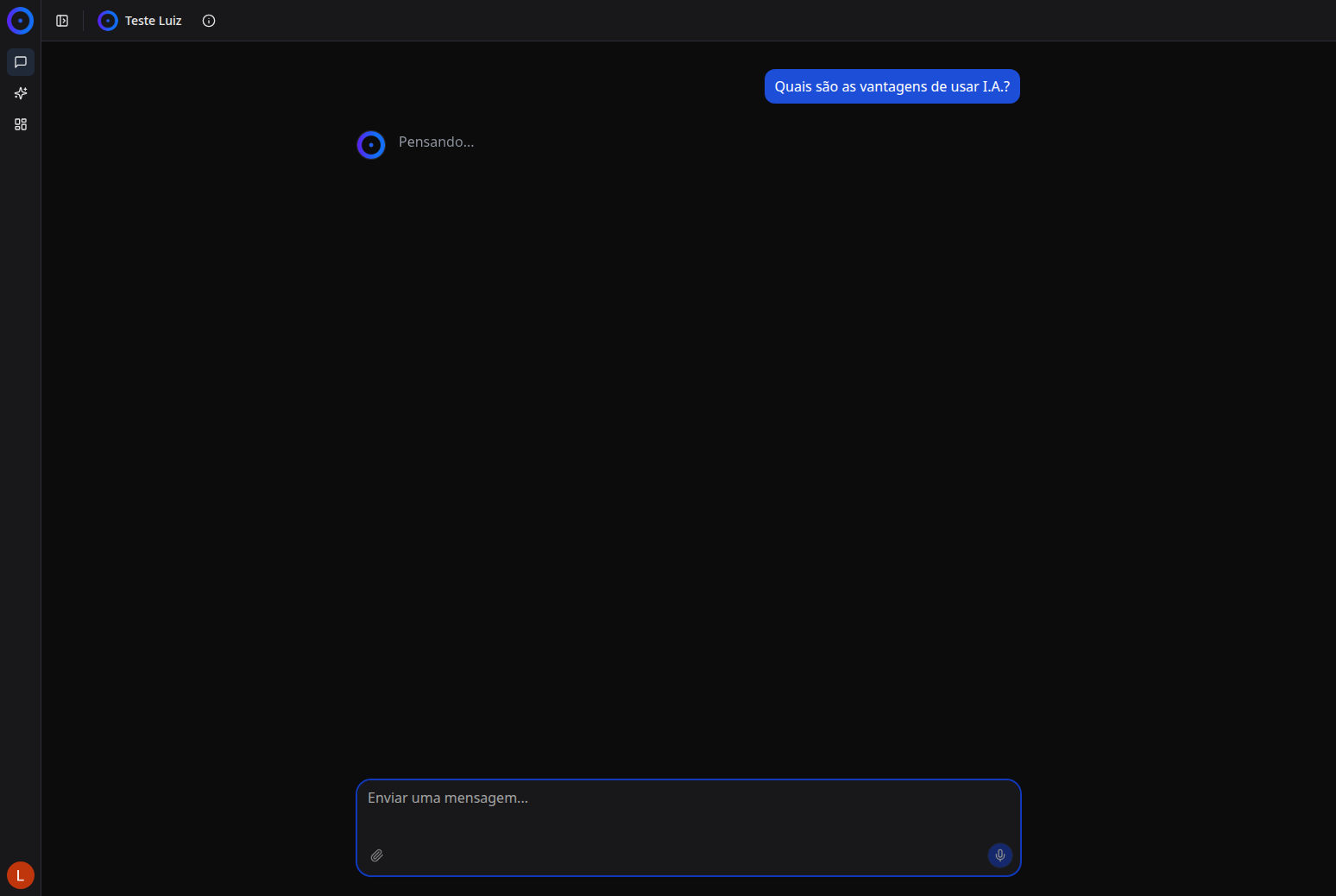
The main interface consists of:
- Left Sidebar: Contains conversation history, project selection, and organization
- Central Area: Where messages are displayed
- Input Field: Where you type your messages
- Action Buttons: Additional tools like file upload
Starting a New Conversation
Method 1: Using Question Suggestions
The platform offers question suggestions in interactive cards to help you get started:
- View the question suggestions displayed on cards on the screen
- Click on any suggestion card
- The question will be automatically inserted into the message field
- Press Enter or click the send button
Method 2: Typing a Message
- Click on the text field "Send a message..."
- Type your question or message
- Press Enter or click the send button
Sending Files
You can attach files to your messages:
- Click the file upload button (attachment icon)
- Select the file you want to send
- The file will be attached to your message
Next Steps
- Chat Features - Explore all available tools
- Conversation History - Manage your conversations